
Configure blocks through the web#
This guide shows you how to control which blocks are available to editors, and configure their themes and variations, using the Blocks Configuration field in Site Setup — no code deployment required.
About this feature#
This feature relies on the kitconcept.blocks.config behavior. It is enabled by default on the Plone Site for the kitconcept intranet distribution, but can also be enabled on a subsite.
You can configure:
Enabled blocks — disable blocks you don't want editors to use
Themes of a block — restrict or define available themes
Enabled variations of a block — limit which block variations are available
Steps#
1. Open the Blocks Configuration field#
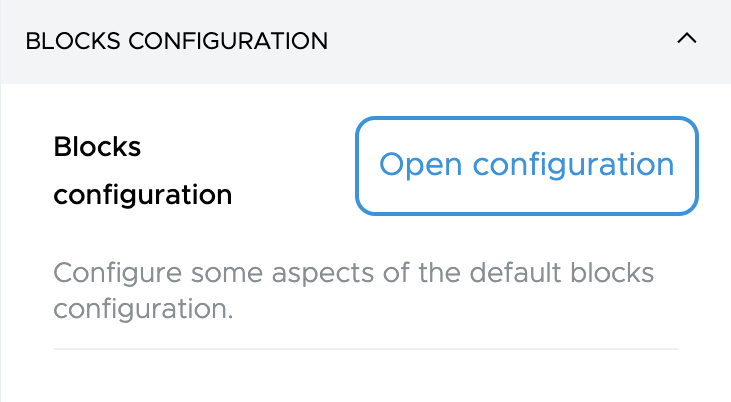
Go to Plone Site tab and look for the Blocks configuration field.
2. Edit the configuration#
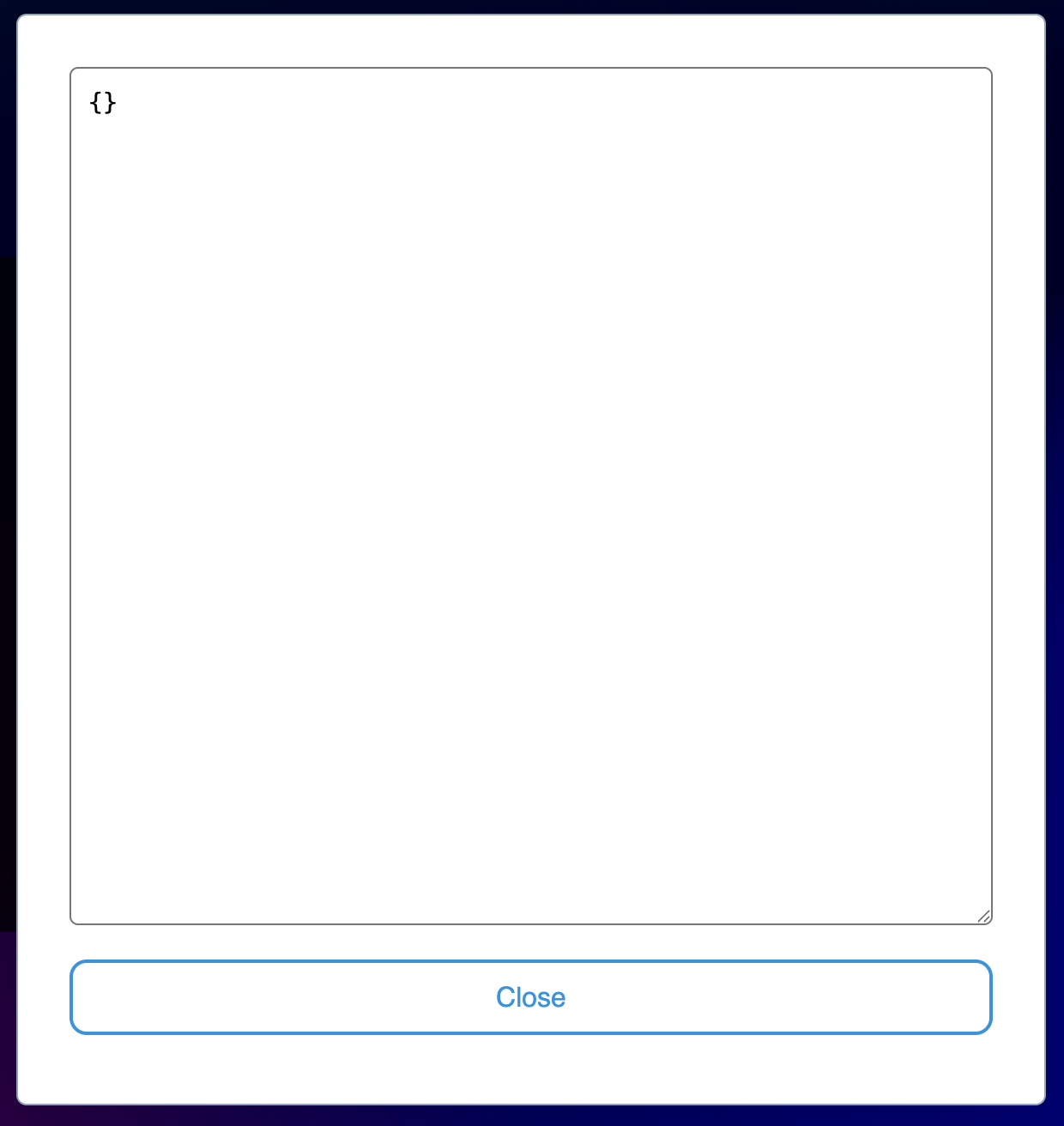
Click the field to open the JSON editor modal.
3. Enter your configuration#
The field accepts a JSON object. Use double quotes and no trailing commas (standard JSON).
Example — disable a block and restrict variations:
{
  "teaser": {
    "disable": true
  },
  "gridBlock": {
    "variations": ["variationB"]
  },
  "description": {
    "disable": true
  }
}
4. Save#
The field validates JSON format and will show an error if the format is invalid. Save the form when done.
Note
For the full DSL specification including TypeScript types and all available options, see the Blocks Configuration TTW developer reference.