Configure squared person images in teasers and listings
Contents
Configure squared person images in teasers and listings#
The kitconcept intranet distribution provides a setting to enable squared person images in teasers and listings.
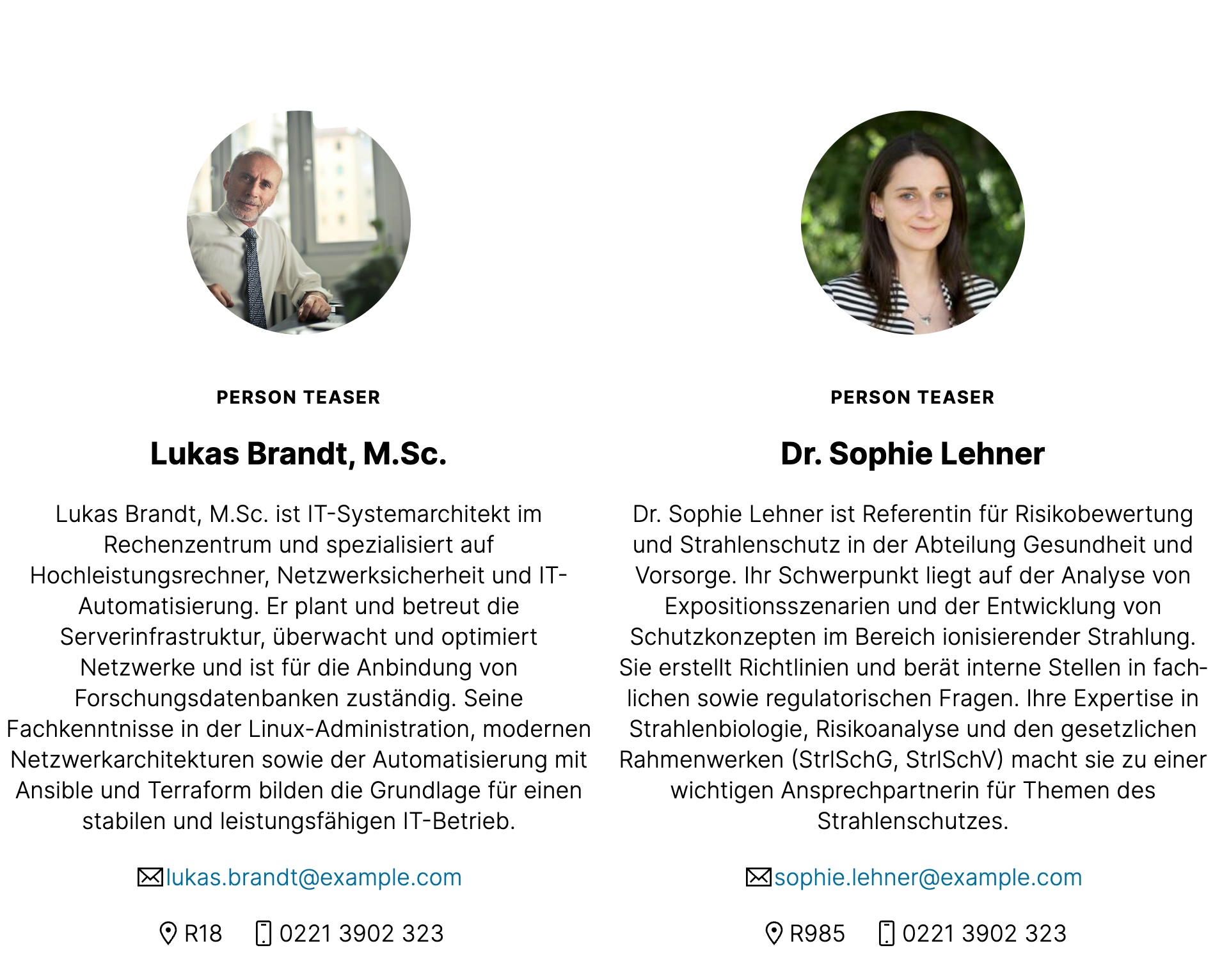
This is an example of the default setting (rounded):
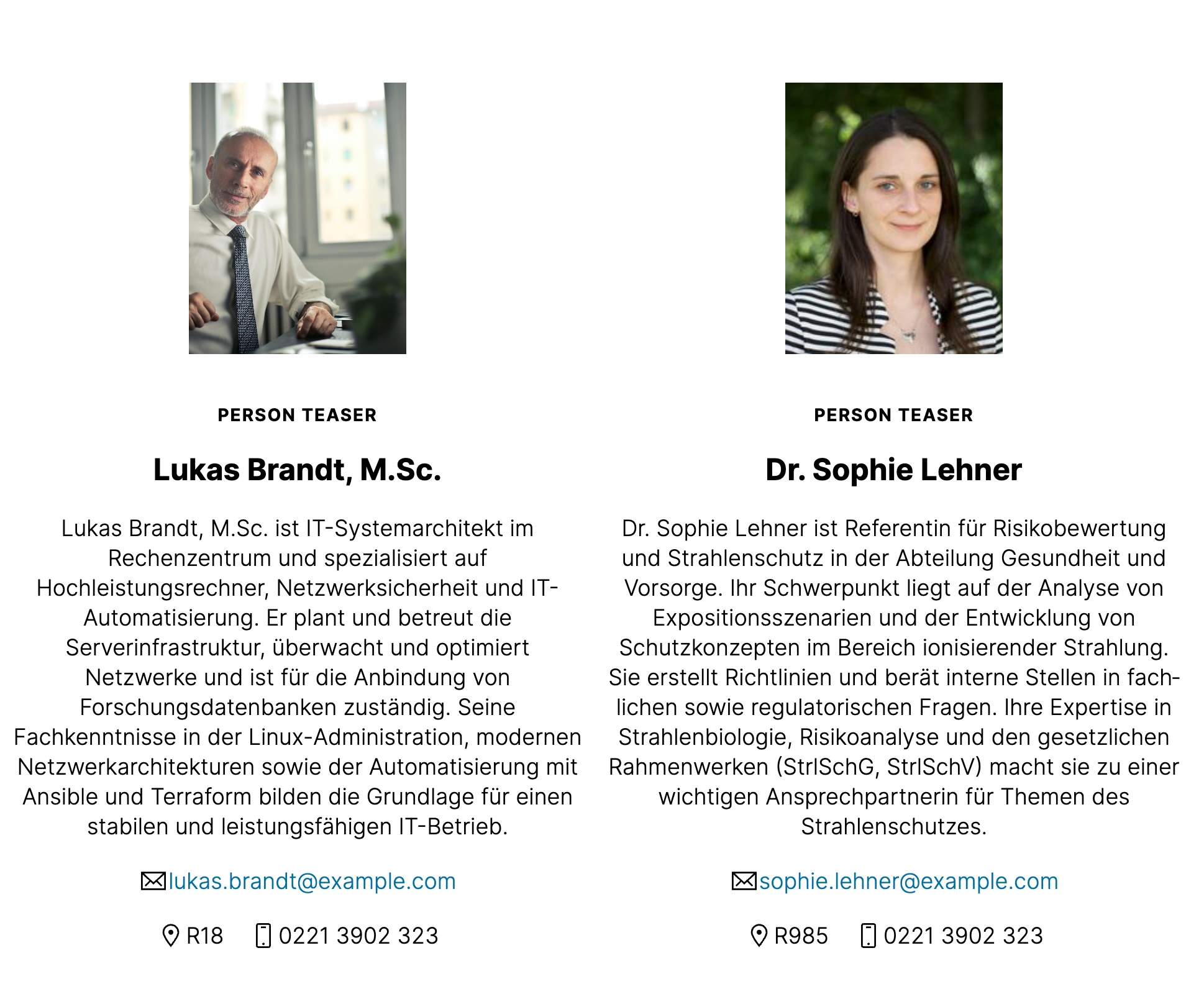
This is an example of the squared setting enabled:
Go to the kitconcept intranet control panel and look for the "Person Squared Images" boolean field.
You can enable or disable squared images for person teasers and listings.